
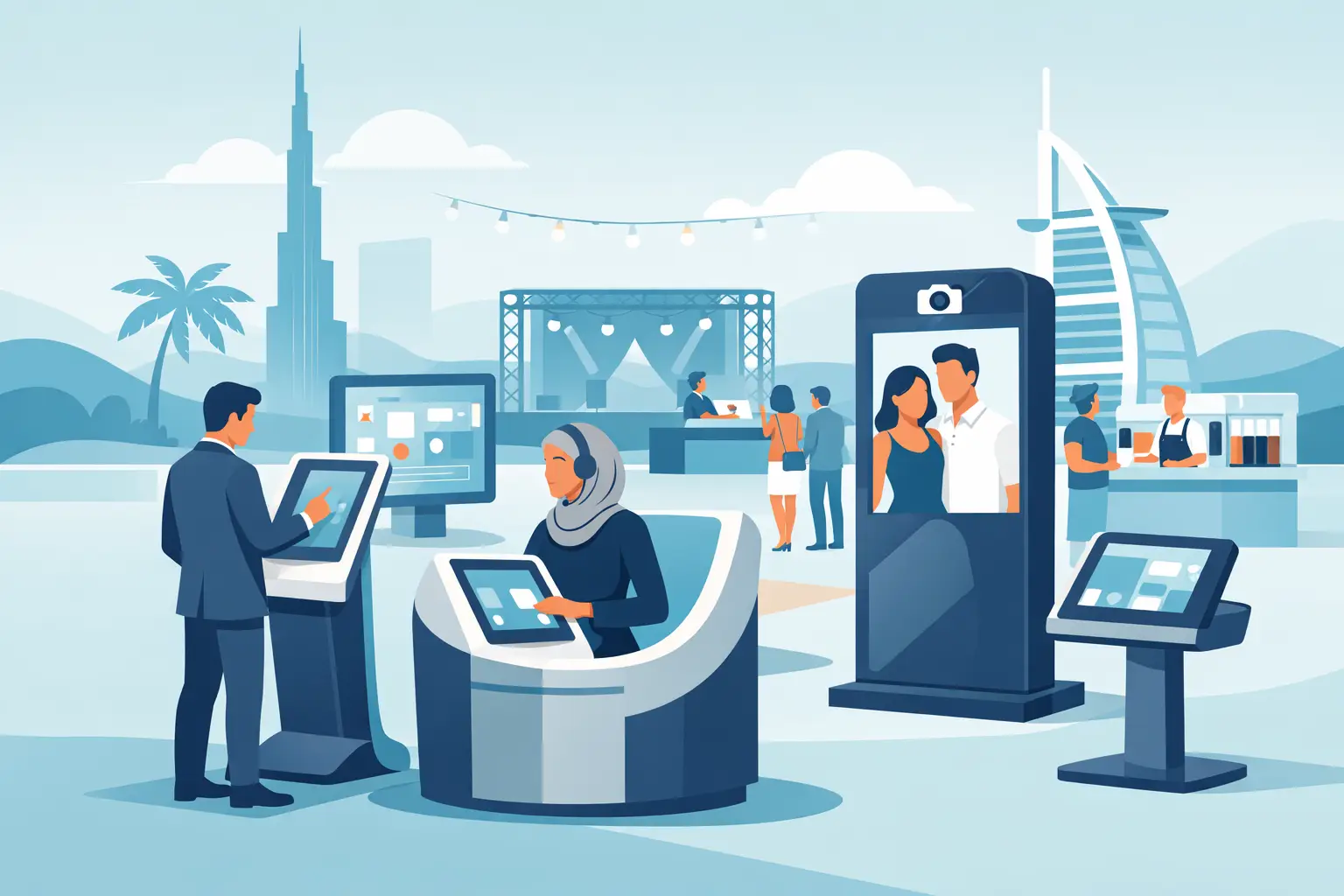
Kiosk solutions UAE for faster check-in, badge printing, lead capture, and branded guest experiences built to perform under live event pressure.
When 800 guests arrive within 20 minutes, no one cares how good the event looked in the pitch deck. They care whether registration moves, badges print correctly, and the first touchpoint feels organized instead of chaotic. That is exactly where kiosk solutions UAE teams rely on can make or break the live experience.
For event organizers, agencies, and brand teams, kiosks are not just screens on stands. They are operational tools, brand touchpoints, and data capture points rolled into one. Used well, they reduce friction for guests and pressure for staff. Used poorly, they create lines, confusion, and the kind of on-site improvisation nobody wants.
What kiosk solutions UAE projects actually need
The market is full of generic kiosk hardware, but live events rarely run on generic requirements. A conference check-in kiosk has different demands than a mall activation, museum installation, or trade show lead capture station. The real question is not whether you need a kiosk. It is what job the kiosk needs to do under real event conditions.
In practice, most event-led kiosk deployments fall into a few categories. Registration and self-check-in kiosks help reduce front-desk congestion and speed up entry. Badge printing kiosks connect registration data with on-demand output, which is critical for conferences, exhibitions, and corporate forums. Engagement kiosks support voting, surveys, contests, product discovery, or content interaction. Lead capture kiosks help exhibitors qualify visitors fast without relying on paper forms or manual follow-up.
That sounds straightforward, but the complexity sits behind the screen. The user flow has to be fast. The interface has to be clear for a mixed audience. The hardware has to survive heavy footfall. The software has to connect with registration systems, CRMs, printers, scanners, or custom databases. And if the event is live, support has to be available the moment something stalls.
Why kiosks matter more at live events than in static environments
Permanent retail or self-service environments have time to optimize gradually. Events do not. You usually get one opening window, one guest arrival surge, and very little tolerance for delays. That changes how kiosk solutions should be planned.
At an event, kiosks often serve as the first operational interaction a guest has with the brand. If check-in is slow, the entire event feels slower. If a lead capture flow is clunky, exhibitors blame the tech. If an engagement screen freezes during a launch moment, the experience loses momentum. In other words, kiosk performance is not a side issue. It directly affects perception, throughput, and staff workload.
This is especially true for events in Dubai and Abu Dhabi, where audiences often expect polished delivery, premium branding, and fast movement. A kiosk at that level cannot feel like a borrowed device with a logo stuck on top. It needs to be purpose-built for the experience.
Choosing the right kiosk setup for your format
The best kiosk solution depends on audience volume, venue setup, branding requirements, and how much customization the event needs. There is no single format that works for every project.
For high-volume conferences and exhibitions, self-check-in kiosks paired with badge printing usually deliver the strongest operational value. Guests can search by QR code, phone number, or confirmation ID, then print badges without waiting for a staffed desk. This works best when the interface is stripped down to the essentials and there is still floor support nearby for exceptions.
For brand activations, the kiosk often does more than process people. It becomes part of the experience. That could mean a product finder, a contest entry mechanic, an interactive quiz, or a content-triggering station connected to screens, sensors, or photo moments. In these cases, the build needs to balance visual impact with reliability. A flashy interaction that takes too long to complete will lose people fast.
For exhibitions, lead capture kiosks can sit at booth level and help teams collect qualified data without depending on manual forms. But the detail matters. If the sales team needs notes, category tags, instant syncing, or post-event exports, that has to be built into the workflow from the start.
For semi-permanent installations such as showrooms, public information spaces, or museums, kiosk design usually shifts toward durability and ongoing usability. Here, serviceability matters as much as the front-end experience. The best-looking unit in the room is not much use if updates are difficult or downtime takes days to fix.
The difference between hardware rental and a real solution
A lot of suppliers can provide a touchscreen. Far fewer can deliver the full stack around it.
A real kiosk solution includes hardware selection, branded UI design, software logic, device management, connectivity planning, printing or scanning integration, testing, and on-site support. That is the difference between renting equipment and building a dependable guest-facing workflow.
This distinction matters because event issues rarely happen in isolation. A check-in delay might come from a network problem, a print queue issue, a registration sync conflict, or a UI step that confuses guests. If different vendors own different pieces, troubleshooting slows down at exactly the wrong moment.
That is why many agencies and organizers prefer a single execution partner who can handle both software and hardware in one delivery model. It creates clearer accountability and much faster response on-site.
What to ask before approving kiosk solutions UAE vendors offer
Before signing off on any kiosk project, it is worth pressure-testing the setup against the actual event environment. Not the ideal one.
Ask how the kiosk will perform during peak traffic, not average traffic. Ask what happens if connectivity drops. Ask whether the software can support last-minute registration edits, duplicate lookups, reprints, or multiple user paths. Ask who is physically on-site during live hours and what backup devices are available if one unit fails.
Branding is another area where teams sometimes underestimate the details. If the kiosk is front-facing, the screen flow, housing, stand design, and print output all need to align visually with the event. A generic UI inside a premium launch environment stands out immediately.
It is also smart to ask how much of the experience is configurable versus custom-built. Configurable tools are faster and often cost less, which is useful for standard registration or lead capture. But if the project includes a custom audience journey, dynamic content, or integration with other event tech, an off-the-shelf platform may create limits fast.
Where kiosk projects usually go wrong
Most kiosk failures are not caused by the screen itself. They happen earlier, during assumptions.
One common issue is underestimating arrival behavior. If 60 percent of attendees show up in a short window, the number of kiosks and the flow around them need to reflect that reality. Another is designing too many steps into the interface. Live audiences do not want instructions. They want obvious next actions.
There is also the temptation to overbuild. Not every event needs a heavily customized kiosk application. Sometimes a simple, fast registration and print flow is the smartest choice. On the other hand, some experiential projects fail because the technology is too basic for the creative idea. The right answer depends on the audience, the objective, and the pressure level of the environment.
The strongest builds usually come from teams that understand both guest experience and live operations. That means thinking about line management, staff intervention points, printer placement, accessibility, power, connectivity, and recovery plans before doors open.
Smart kiosk solutions UAE event teams can scale
Scalability is often overlooked until the event grows. A kiosk setup that works for a 300-person internal meeting may not hold up for a 5,000-attendee public event or a multi-day exhibition.
The smart approach is to build systems that can scale in both volume and complexity. That might mean adding more self-check-in points, splitting flows by attendee type, syncing multiple badge printers, or extending the kiosk experience into lead capture, session access, or interactive engagement. The more modular the setup, the easier it is to adapt without rebuilding everything from scratch.
This is where an execution-focused partner adds real value. At Eventro, that usually means treating kiosks as part of a wider event technology ecosystem rather than standalone devices. Registration, check-in, badge printing, branded interfaces, custom workflows, and on-site support all need to work together because the audience experiences them as one system.
The best kiosk choice is the one that fits the pressure of the job
There is no prize for having the most complicated setup. The best kiosk is the one that keeps guests moving, supports the brand properly, and holds up when the room gets busy.
If your event needs speed, reliability, and a front-end experience that feels intentional, kiosk planning should start early and be tied directly to the live workflow, not added at the end as a hardware line item. When the technology matches the pressure of the job, the whole event feels sharper from the first scan onward.
And that is the real value of getting kiosks right. Guests barely notice them when they work well, which is exactly the point.